Catalog subject and course label

AP Cybersecurity

Browse resources with this catalog label, then narrow by topic, listed grade, teaching need or resource type.

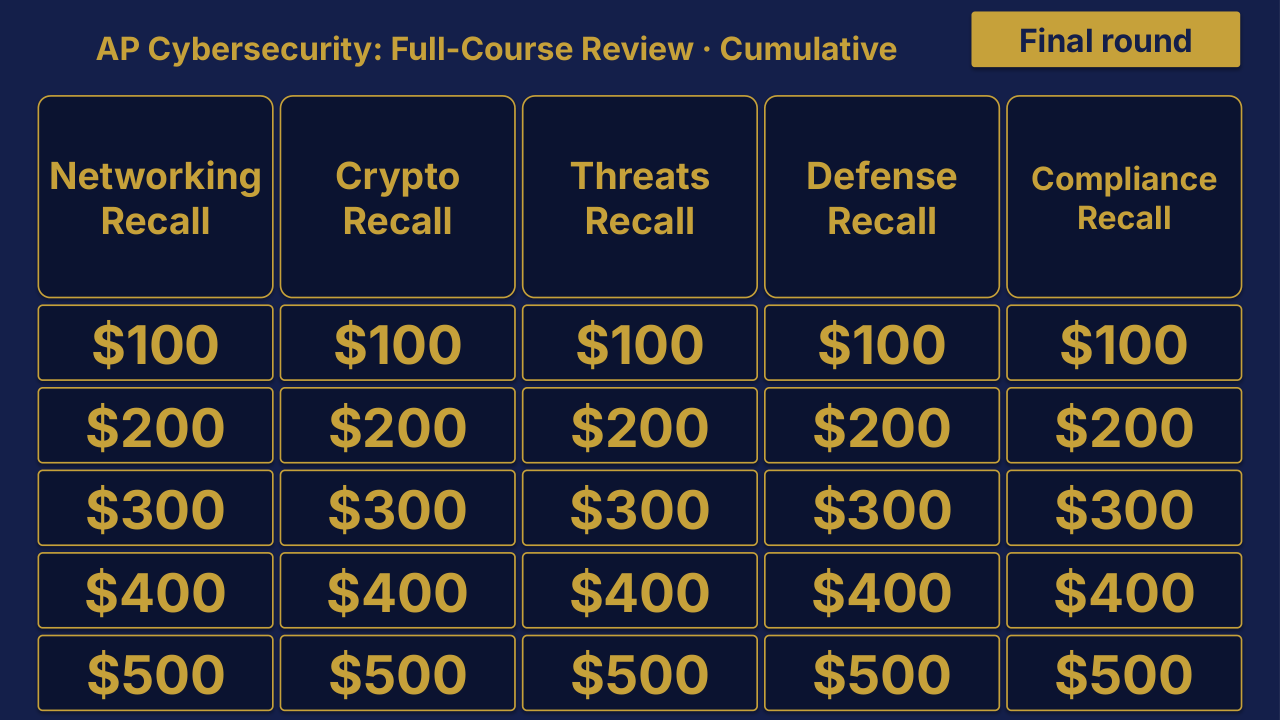
AP Cybersecurity Unit 1 board menu for Networking Fundamentals, with Osi + Tcp/ip Layers, Addressing + Dns, Common Ports, Network Devices and Foundations + History categories, 25 point tiles from $100 to $500 and a Final round button.
Unit 1 board sample $25

AP Cybersecurity

6 editable PowerPoint review games

Try Networking Fundamentals in the linked free board.

The title page and board menu do not show questions or answers.

Product details

AP Cybersecurity collection containing 6 individual Review Board packages, with PowerPoint decks, PDF slide versions, teacher directions and team score sheets.

Included materials
  • 6 individual game ZIPs inside the collection download.
  • Each game package includes an editable PPTX slide deck and a PDF slide version.
File formats
  • Digital ZIP download. Unzip the collection to access the individual game ZIPs.
  • PPTX presentation, PDF copies, and DOCX teacher materials.

More product details
More included materials
  • Teacher directions for each game in DOCX and PDF.
  • Team score sheets for each game in DOCX and PDF.
  • The PowerPoint decks include teacher-key slides.
  • A matching free browser game covers Unit 1: Networking Fundamentals. It demonstrates one game from the collection.
Editing
  • The included directions describe clues, answers, categories and values as editable live text.
  • Edit content in place and keep the existing slide order to preserve the linked navigation.
Software
  • Use presentation software that opens PPTX files for the game deck, a DOCX editor for the teacher materials, and a PDF reader for the PDF copies.
  • The included directions state that the game requires no macros or extra tools to install.
  • The matching browser game can be tried without downloading the PowerPoint files.
Grade and subject
  • Catalog course: AP Cybersecurity.
  • Included course labels: AP Cybersecurity.
Preparation
  • Download and unzip the package. Then unzip the individual game package you want to use.
  • The teacher directions instruct you to open the deck, start the slide show and click the board values.
  • Choose teams, give each team a score sheet, and decide the scoring rules before the first clue.
Details to confirm
  • Software: specific application versions and slide-link behavior in alternative presentation apps have not been tested.
  • Preparation: exact setup time, printing time and lesson duration have not been verified.
  • Standards: alignment or coverage is not established by this product-information inventory.
  • GradeSubject: an exact grade range beyond the catalog course label is not verified.
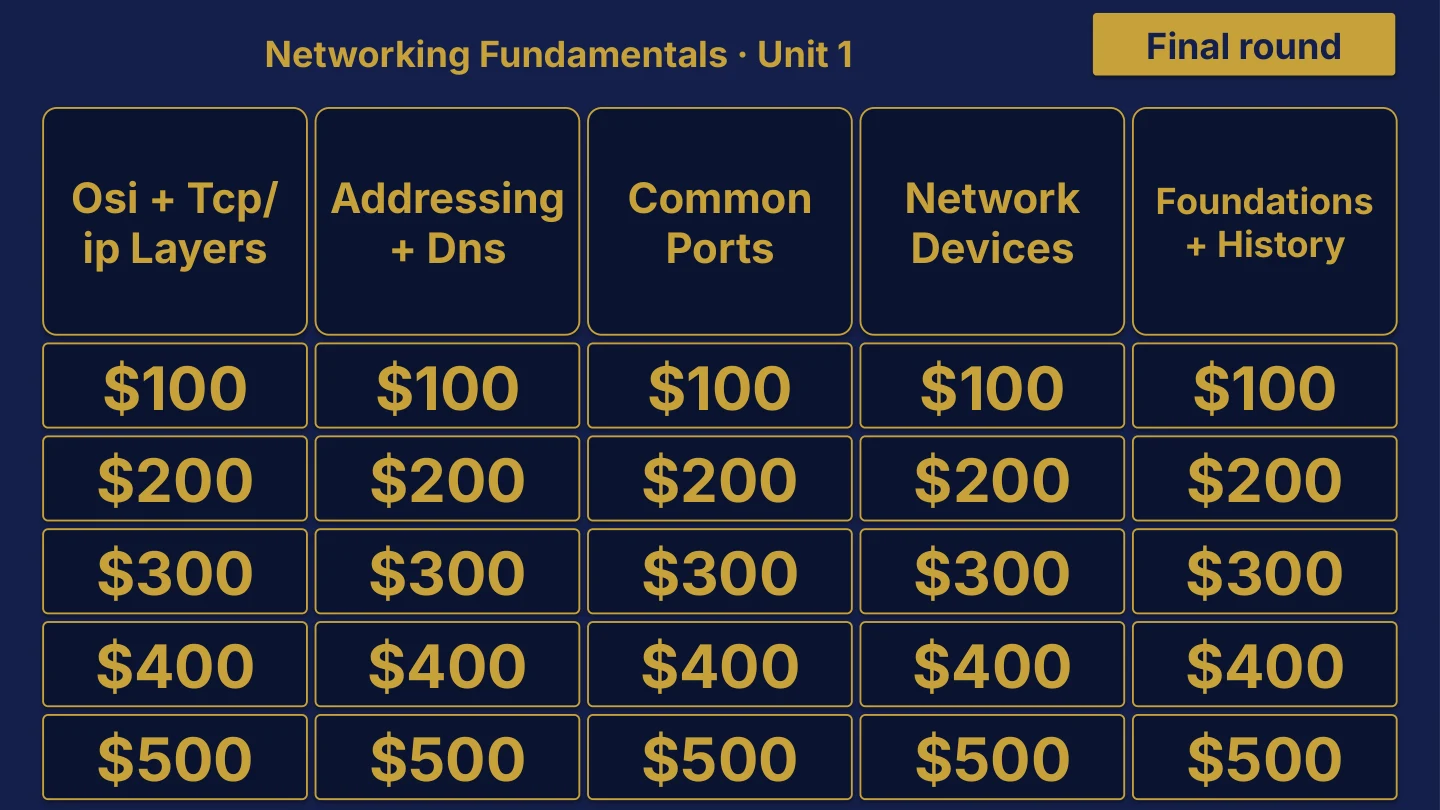
AP Cybersecurity Cumulative: Full-Course Review | Editable PowerPoint: original menu sample, PDF page 3.
Selected original sample $4

Original menu sample, PDF page 3.

Selected original title page and board menu from this Review Board. Questions and answers are not shown.

Product details

An individual AP Cybersecurity Cumulative Review Board covering AP Cybersecurity: Full-Course Review. Includes a PowerPoint game and printable PDF materials.

Included materials
  • Editable PPTX review game deck and a PDF slide version.
  • Teacher directions in DOCX and PDF.
File formats
  • Digital ZIP download.
  • PPTX presentation, PDF copies, and DOCX teacher materials.
More product details
More included materials
  • Team score sheet in DOCX and PDF.
  • Board categories: Networking Recall · Crypto Recall · Threats Recall · Defense Recall · Compliance Recall.
  • The PowerPoint deck includes teacher-key slides.
Editing
  • The included directions describe clues, answers, categories and values as editable live text.
  • Edit content in place and keep the existing slide order to preserve the linked navigation.
Software
  • Use presentation software that opens PPTX files for the game deck, a DOCX editor for the teacher materials, and a PDF reader for the PDF copies.
  • The included directions state that the game requires no macros or extra tools to install.
Grade and subject
  • Catalog course: AP Cybersecurity. Unit: Cumulative.
Preparation
  • Download and unzip the package.
  • The teacher directions instruct you to open the deck, start the slide show and click the board values.
  • Choose teams, give each team a score sheet, and decide the scoring rules before the first clue.
Details to confirm
  • Software: specific application versions and slide-link behavior in alternative presentation apps have not been tested.
  • Preparation: exact setup time, printing time and lesson duration have not been verified.
  • Standards: alignment or coverage is not established by this product-information inventory.
  • GradeSubject: an exact grade range beyond the catalog course label is not verified.
View selected sample pages →
AP Cybersecurity Unit 1 board menu for Networking Fundamentals.
Unit 1 board sample $4

Networking Fundamentals

The title page and board menu do not show questions or answers.

Product details

An individual AP Cybersecurity Unit 1 Review Board covering Networking Fundamentals. Includes a PowerPoint game and printable PDF materials.

Included materials
  • Editable PPTX review game deck and a PDF slide version.
  • Teacher directions in DOCX and PDF.
File formats
  • Digital ZIP download.
  • PPTX presentation, PDF copies, and DOCX teacher materials.
More product details
More included materials
  • Team score sheet in DOCX and PDF.
  • Board categories: OSI + TCP/IP Layers · Addressing + DNS · Common Ports · Network Devices · Foundations + History.
  • The PowerPoint deck includes teacher-key slides.
  • A matching free browser game covers Unit 1: Networking Fundamentals.
Editing
  • The included directions describe clues, answers, categories and values as editable live text.
  • Edit content in place and keep the existing slide order to preserve the linked navigation.
Software
  • Use presentation software that opens PPTX files for the game deck, a DOCX editor for the teacher materials, and a PDF reader for the PDF copies.
  • The included directions state that the game requires no macros or extra tools to install.
  • The matching browser game can be tried without downloading the PowerPoint files.
Grade and subject
  • Catalog course: AP Cybersecurity. Unit: Unit 1.
Preparation
  • Download and unzip the package.
  • The teacher directions instruct you to open the deck, start the slide show and click the board values.
  • Choose teams, give each team a score sheet, and decide the scoring rules before the first clue.
Details to confirm
  • Software: specific application versions and slide-link behavior in alternative presentation apps have not been tested.
  • Preparation: exact setup time, printing time and lesson duration have not been verified.
  • Standards: alignment or coverage is not established by this product-information inventory.
  • GradeSubject: an exact grade range beyond the catalog course label is not verified.
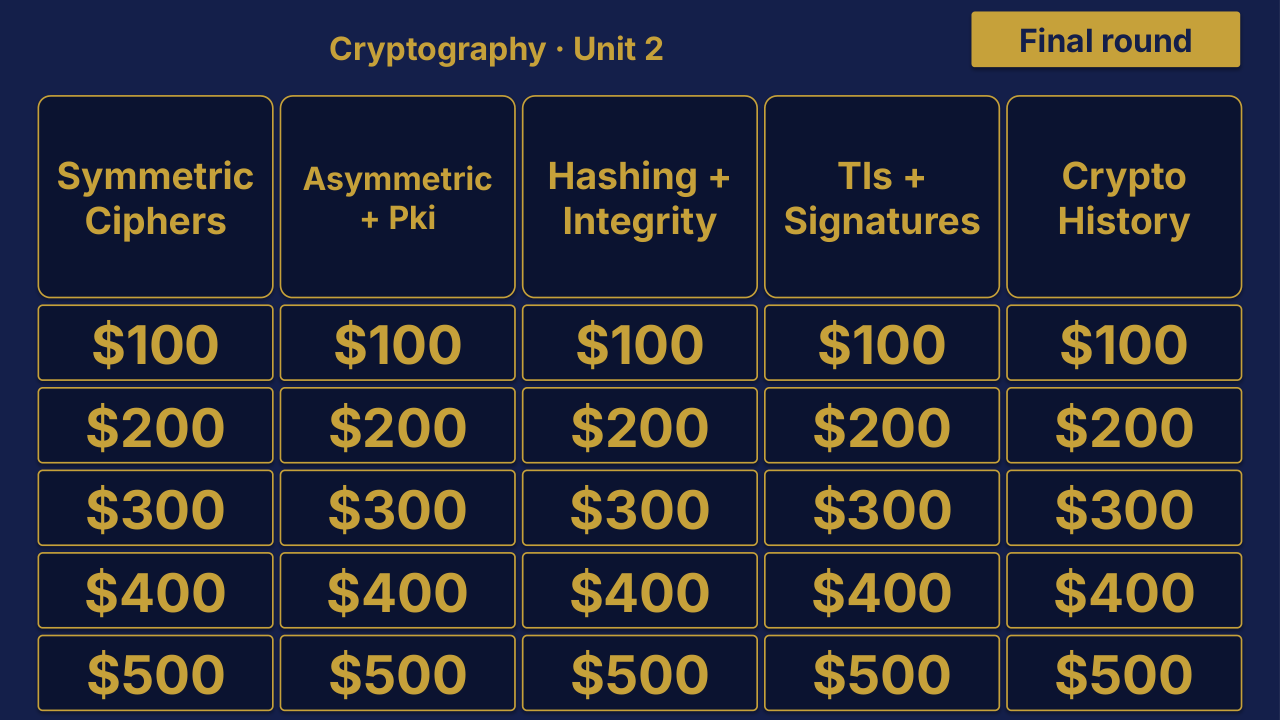
AP Cybersecurity Unit 2: Cryptography Review | Editable PowerPoint: original menu sample, PDF page 3.
Selected original sample $4

Original menu sample, PDF page 3.

Selected original title page and board menu from this Review Board. Questions and answers are not shown.

Product details

An individual AP Cybersecurity Unit 2 Review Board covering Cryptography. Includes a PowerPoint game and printable PDF materials.

Included materials
  • Editable PPTX review game deck and a PDF slide version.
  • Teacher directions in DOCX and PDF.
File formats
  • Digital ZIP download.
  • PPTX presentation, PDF copies, and DOCX teacher materials.
More product details
More included materials
  • Team score sheet in DOCX and PDF.
  • Board categories: Symmetric Ciphers · Asymmetric + PKI · Hashing + Integrity · TLS + Signatures · Crypto History.
  • The PowerPoint deck includes teacher-key slides.
Editing
  • The included directions describe clues, answers, categories and values as editable live text.
  • Edit content in place and keep the existing slide order to preserve the linked navigation.
Software
  • Use presentation software that opens PPTX files for the game deck, a DOCX editor for the teacher materials, and a PDF reader for the PDF copies.
  • The included directions state that the game requires no macros or extra tools to install.
Grade and subject
  • Catalog course: AP Cybersecurity. Unit: Unit 2.
Preparation
  • Download and unzip the package.
  • The teacher directions instruct you to open the deck, start the slide show and click the board values.
  • Choose teams, give each team a score sheet, and decide the scoring rules before the first clue.
Details to confirm
  • Software: specific application versions and slide-link behavior in alternative presentation apps have not been tested.
  • Preparation: exact setup time, printing time and lesson duration have not been verified.
  • Standards: alignment or coverage is not established by this product-information inventory.
  • GradeSubject: an exact grade range beyond the catalog course label is not verified.
View selected sample pages →
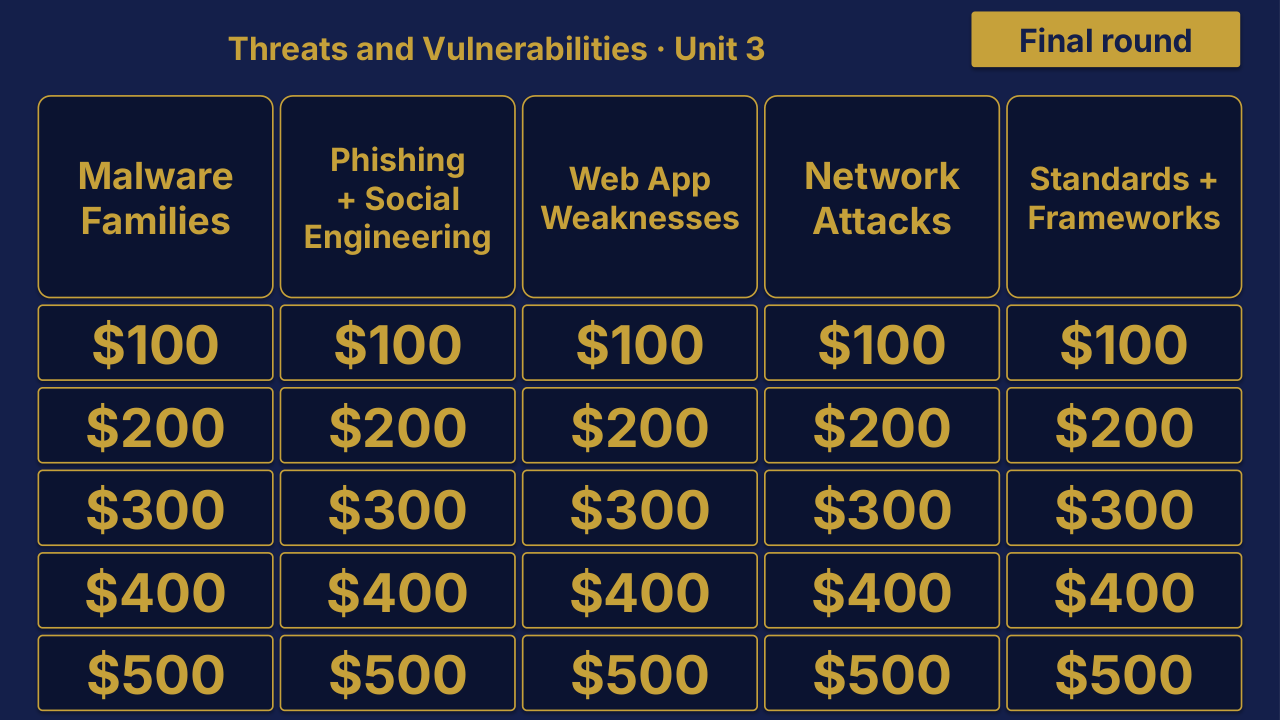
AP Cybersecurity Unit 3 Review | Editable PowerPoint: original menu sample, PDF page 3.
Selected original sample $4

Original menu sample, PDF page 3.

Selected original title page and board menu from this Review Board. Questions and answers are not shown.

Product details

An individual AP Cybersecurity Unit 3 Review Board covering Threats and Vulnerabilities. Includes a PowerPoint game and printable PDF materials.

Included materials
  • Editable PPTX review game deck and a PDF slide version.
  • Teacher directions in DOCX and PDF.
File formats
  • Digital ZIP download.
  • PPTX presentation, PDF copies, and DOCX teacher materials.
More product details
More included materials
  • Team score sheet in DOCX and PDF.
  • Board categories: Malware Families · Phishing + Social Engineering · Web App Vulnerabilities · Network Attacks · Standards + Frameworks.
  • The PowerPoint deck includes teacher-key slides.
Editing
  • The included directions describe clues, answers, categories and values as editable live text.
  • Edit content in place and keep the existing slide order to preserve the linked navigation.
Software
  • Use presentation software that opens PPTX files for the game deck, a DOCX editor for the teacher materials, and a PDF reader for the PDF copies.
  • The included directions state that the game requires no macros or extra tools to install.
Grade and subject
  • Catalog course: AP Cybersecurity. Unit: Unit 3.
Preparation
  • Download and unzip the package.
  • The teacher directions instruct you to open the deck, start the slide show and click the board values.
  • Choose teams, give each team a score sheet, and decide the scoring rules before the first clue.
Details to confirm
  • Software: specific application versions and slide-link behavior in alternative presentation apps have not been tested.
  • Preparation: exact setup time, printing time and lesson duration have not been verified.
  • Standards: alignment or coverage is not established by this product-information inventory.
  • GradeSubject: an exact grade range beyond the catalog course label is not verified.
View selected sample pages →
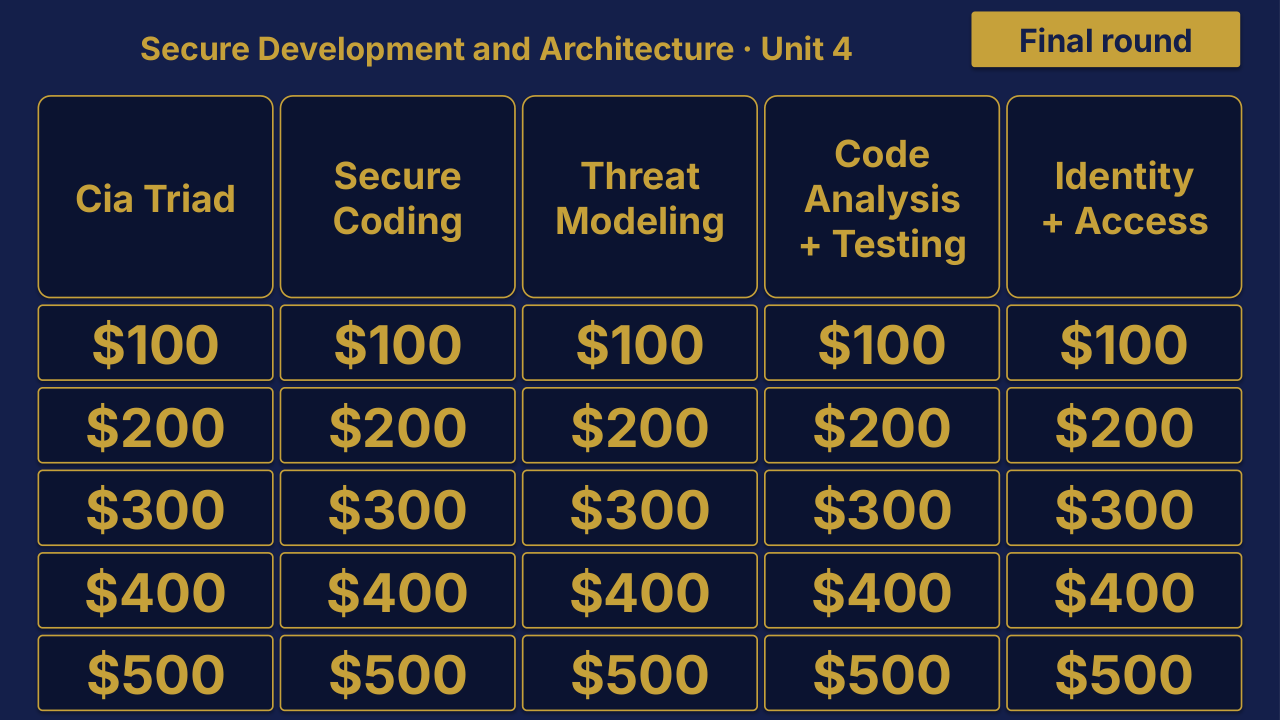
AP Cybersecurity Unit 4 Review | Editable PowerPoint: original menu sample, PDF page 3.
Selected original sample $4

Original menu sample, PDF page 3.

Selected original title page and board menu from this Review Board. Questions and answers are not shown.

Product details

An individual AP Cybersecurity Unit 4 Review Board covering Secure Development and Architecture. Includes a PowerPoint game and printable PDF materials.

Included materials
  • Editable PPTX review game deck and a PDF slide version.
  • Teacher directions in DOCX and PDF.
File formats
  • Digital ZIP download.
  • PPTX presentation, PDF copies, and DOCX teacher materials.
More product details
More included materials
  • Team score sheet in DOCX and PDF.
  • Board categories: CIA Triad · Secure Coding · Threat Modeling · Code Analysis + Testing · Identity + Access.
  • The PowerPoint deck includes teacher-key slides.
Editing
  • The included directions describe clues, answers, categories and values as editable live text.
  • Edit content in place and keep the existing slide order to preserve the linked navigation.
Software
  • Use presentation software that opens PPTX files for the game deck, a DOCX editor for the teacher materials, and a PDF reader for the PDF copies.
  • The included directions state that the game requires no macros or extra tools to install.
Grade and subject
  • Catalog course: AP Cybersecurity. Unit: Unit 4.
Preparation
  • Download and unzip the package.
  • The teacher directions instruct you to open the deck, start the slide show and click the board values.
  • Choose teams, give each team a score sheet, and decide the scoring rules before the first clue.
Details to confirm
  • Software: specific application versions and slide-link behavior in alternative presentation apps have not been tested.
  • Preparation: exact setup time, printing time and lesson duration have not been verified.
  • Standards: alignment or coverage is not established by this product-information inventory.
  • GradeSubject: an exact grade range beyond the catalog course label is not verified.
View selected sample pages →
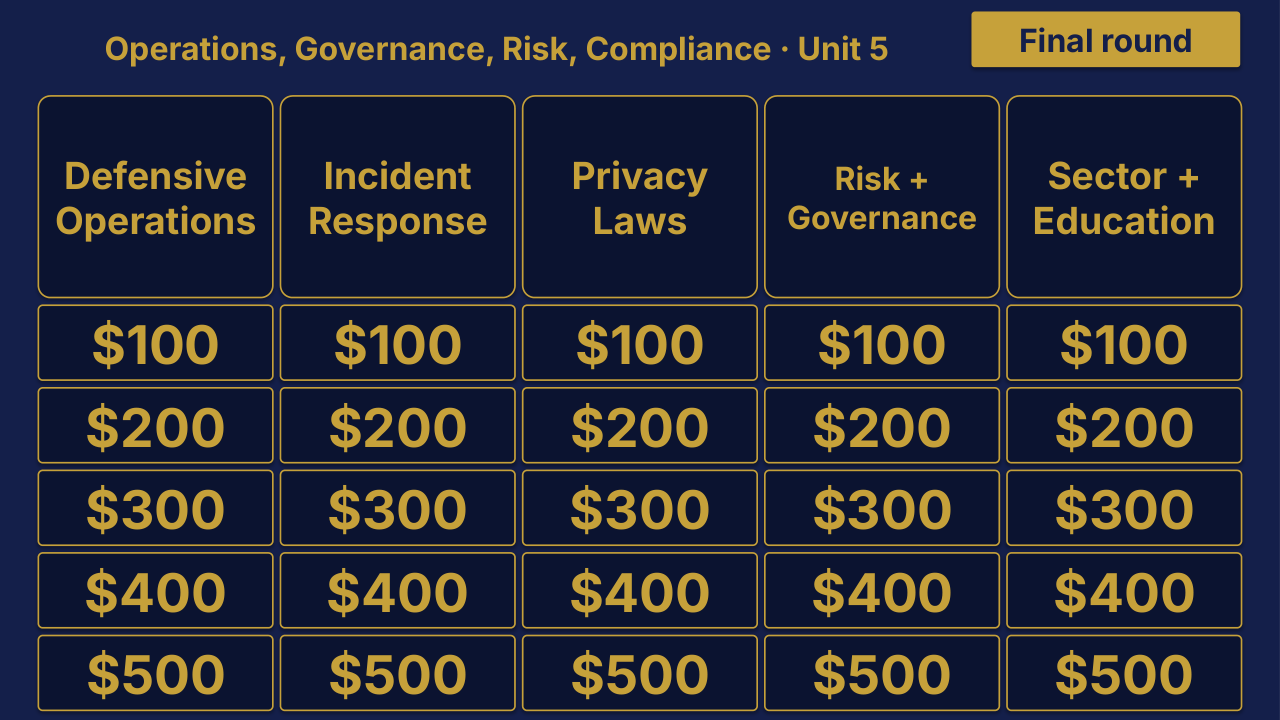
AP Cybersecurity Unit 5 Review | Editable PowerPoint: original menu sample, PDF page 3.
Selected original sample $4

Original menu sample, PDF page 3.

Selected original title page and board menu from this Review Board. Questions and answers are not shown.

Product details

An individual AP Cybersecurity Unit 5 Review Board covering Operations, Governance, Risk, Compliance. Includes a PowerPoint game and printable PDF materials.

Included materials
  • Editable PPTX review game deck and a PDF slide version.
  • Teacher directions in DOCX and PDF.
File formats
  • Digital ZIP download.
  • PPTX presentation, PDF copies, and DOCX teacher materials.
More product details
More included materials
  • Team score sheet in DOCX and PDF.
  • Board categories: Defensive Operations · Incident Response · Privacy Laws · Risk + Governance · Sector + Education.
  • The PowerPoint deck includes teacher-key slides.
Editing
  • The included directions describe clues, answers, categories and values as editable live text.
  • Edit content in place and keep the existing slide order to preserve the linked navigation.
Software
  • Use presentation software that opens PPTX files for the game deck, a DOCX editor for the teacher materials, and a PDF reader for the PDF copies.
  • The included directions state that the game requires no macros or extra tools to install.
Grade and subject
  • Catalog course: AP Cybersecurity. Unit: Unit 5.
Preparation
  • Download and unzip the package.
  • The teacher directions instruct you to open the deck, start the slide show and click the board values.
  • Choose teams, give each team a score sheet, and decide the scoring rules before the first clue.
Details to confirm
  • Software: specific application versions and slide-link behavior in alternative presentation apps have not been tested.
  • Preparation: exact setup time, printing time and lesson duration have not been verified.
  • Standards: alignment or coverage is not established by this product-information inventory.
  • GradeSubject: an exact grade range beyond the catalog course label is not verified.
View selected sample pages →